ad
Follow your delivery updates and track USPS with ease.
Discover the best apps, websites, and tools to know exactly where your package is.
Best Apps to Track USPS Packages
You don’t always need to visit the official website to track a package.
Some apps make track USPS more convenient by bringing all updates together in one place.
Parcels
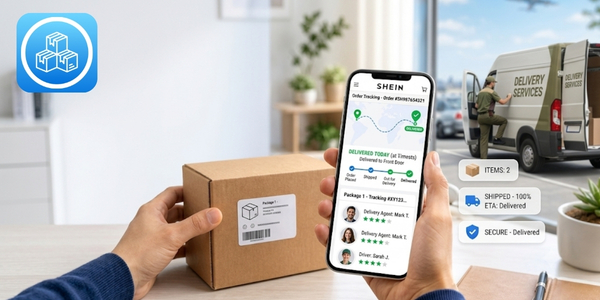
Parcels is an excellent choice for people who frequently track domestic and international purchases.
Main features:
- Automatic carrier identification.
- Real time updates.
- Estimated delivery date, when available.
- Complete package history.
- Support for USPS, Amazon, eBay, Temu, AliExpress, and other stores.
How to track a package with Parcels
- Install the Parcels app.
- Open the app.
- Tap Add Tracking.
- Enter the track USPS number.
- Wait for automatic carrier identification.
- View all package updates.
17TRACK
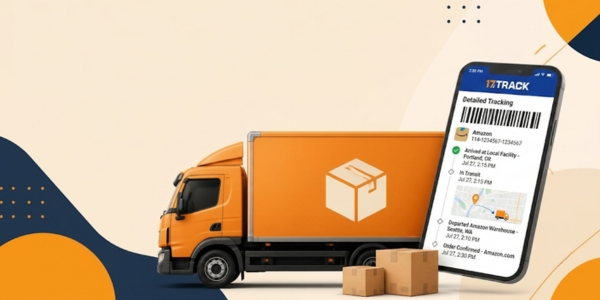
17TRACK also makes it easier to track USPS packages and supports thousands of shipping carriers worldwide.
Main features:
- Support for more than 2,500 shipping carriers.
- Automatic notifications.
- Barcode scanner.
- Synchronization across devices.
- Automatic USPS identification.
- Track multiple packages simultaneously.
How to track a package with 17TRACK
- Install the app.
- Open the platform.
- Enter the tracking number.
- Wait for the carrier to be identified.
- View all delivery updates.
Websites that Make Track USPS Easier

Tracking websites are a convenient alternative for following packages without installing apps.
These platforms automatically identify the shipping carrier and display the latest tracking updates.
One of the best options is Ship24.
The platform supports more than 1,500 shipping carriers and tracks USPS shipments.
This is especially useful for Amazon, eBay, Etsy, and other international orders.
How to track a package with Ship24
- Go to the Ship24 website.
- Enter the track USPS number.
- Click Search.
- Wait for the carrier to be identified.
- View the complete package history.
The service also displays estimated delivery dates, carrier changes, and new tracking updates.
How to Use the USPS Website and App to Track Packages
The USPS website and app provide the most complete package tracking experience.
You can view your tracking history, enable notifications, and check new updates whenever you need.
How to track through the USPS app

The app brings together USPS’s main services in one place.
Besides tracking, you can also receive automatic notifications about new package updates.
Step by step:
- Install the USPS Mobile app.
- Sign in or continue as a guest.
- Tap Track.
- Enter the tracking number.
- View all package updates.
How to track through the USPS website
The official website lets you track packages in just a few minutes.
Simply enter the tracking number to view all available tracking updates.
Step by step:
- Go to the official USPS website.
- Click Tracking.
- Enter the tracking number.
- Select the search option.
- View the complete delivery history.
Understanding Track USPS Information
Each tracking status represents a stage of the delivery and shows where your package is at that moment.
Understanding these meanings helps you interpret track USPS and avoid unnecessary concerns.
Label Created
The shipping label has been created by the sender.
The package has not yet been received by USPS for shipping.
USPS in Possession of Item
USPS has received the package.
In Transit
The package is in transit between distribution centers.
This status may remain for several days while the package continues its journey.

Arrived at USPS Facility
The package has arrived at a USPS facility.
Departed USPS Facility
The package has left the distribution center.
Out for Delivery
The package is out for delivery and is with the delivery driver.
Delivered
The package has been delivered to the recipient.
The tracking information may also indicate where it was left.
Available for Pickup
The package is available for pickup.
Check the USPS location before picking up your package.
Receive USPS Updates by SMS and Email
You don’t have to check track USPS all the time to know where your package is.
USPS offers automatic notifications by SMS and email whenever there is a new update.
This feature lets you know whenever there is a new tracking update.
That makes it much easier to track your delivery and know when your package is close to its destination.
How to enable notifications
- Open your package tracking page.
- Open the shipment details.
- Choose to receive notifications.
- Enter your email address or phone number.
- Confirm your registration.
You’ll receive alerts whenever new updates become available.

My Track USPS isn’t Updating. What should I Do?
Not every delay in tracking updates means your package has been lost.
Sometimes, track USPS may take several days to display new updates.
Before submitting a request, wait at least 24 to 48 hours between tracking updates.
During holidays and periods of high shipping volume, this timeframe may be even longer.
If the package remains unchanged for several days, confirm that the delivery address was entered correctly.
It’s also worth checking whether there has been an attempted delivery.
If no new updates appear, contact USPS customer support.
USPS Support: When and How to Get Help
USPS customer support can help if there are problems during the shipment process.
Have your tracking number ready before contacting support.
Seek assistance if your package remains without updates for several days.
It’s also worth contacting USPS if the package is marked as delivered but cannot be found.
Another common situation involves packages returned to the sender during transit.
Customer support can also answer questions about delivery attempts and package pickup at USPS locations.
You can request assistance through the official USPS website, mobile app, or customer service center.
If the issue continues, USPS may open a package investigation to locate your shipment.